

A curated directory of Mac apps with categories, search, latest additions, and concise descriptions to help you find the right macOS software.
Overview
Overview
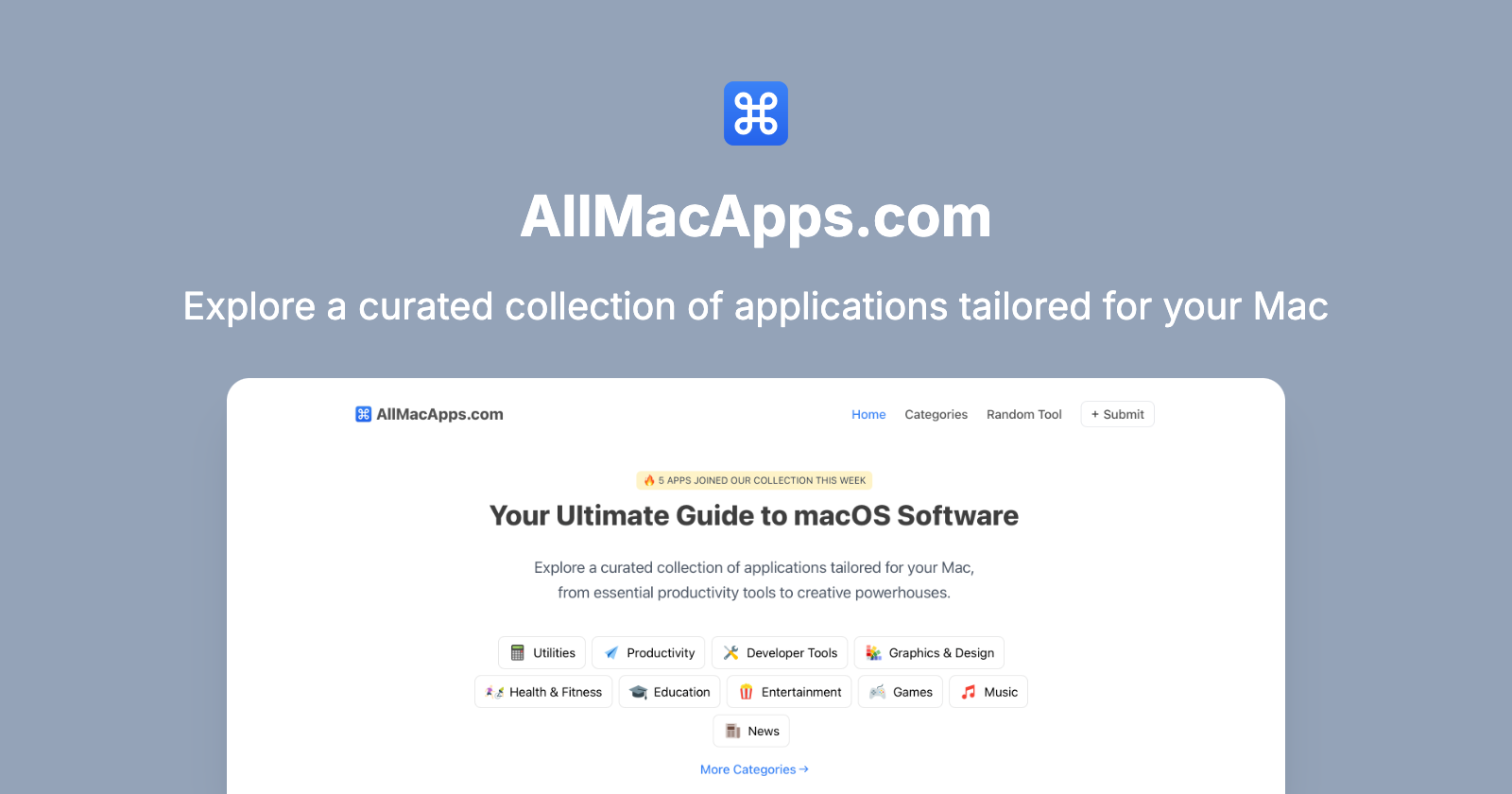
All Mac Apps (AllMacApps.com) is a curated web directory for macOS software. It helps Mac users discover applications across productivity, utilities, developer tools, photo and video, music, graphics and design, health and fitness, education, entertainment, games, weather, books, and more. The homepage combines a search bar, category shortcuts, a weekly update badge, and a "Latest Additions" feed. Each app card includes an icon, app name, category, and a concise description. The site also invites developers to submit apps and offers a newsletter for curated updates.
Key Features
- Curated macOS app directory: Focused on Mac applications rather than cross-platform software listings.
- Category browsing: Featured categories include Productivity, Utilities, Developer Tools, Photo & Video, Music, Graphics & Design, Health & Fitness, Education, Entertainment, Games, Weather, and Books.
- Search with shortcut: A search field with a ⌘K hint lets users quickly look up apps.
- Latest Additions feed: A regularly updated section highlighting new apps such as Morphiqo, Command Reopen, FingerBridge, Perch, Sleep Sounds, Chitroll, Platter, Elmren Voice, SpaceFix, AppAtlas, NotchNook, and 1Capture.
- App detail pages: Each listing links to a dedicated page (e.g., /app/morphiqo) with more information.
- Concise app summaries: Descriptions explain what each app does, including privacy, hardware requirements, and permissions where relevant.
- Developer submissions: A Submit App page allows developers to add their Mac apps to the directory.
- Newsletter: Users can subscribe for curated updates about new Mac apps, hidden gems, and essential tools.
- Additional resources: Links to All Apps, Categories, App Reviews, Blog Archive, About, Privacy Policy, Terms of Use, and contact/social channels.
Target Users
- Mac users exploring new software: Anyone who wants to find apps beyond the Mac App Store.
- Productivity seekers: People looking for to-do lists, notch utilities, storage cleaners, and workflow tools.
- Developers and technical users: Those interested in developer tools, session monitors, and app inventory utilities.
- Creatives: Users searching for photo/video, music, graphics, and design applications.
- Students and lifelong learners: People browsing education, books, health, and fitness categories.
- Indie app developers: Makers who want to submit their apps and reach a Mac-focused audience.
- Curated-discovery fans: Users who prefer editorial recommendations over algorithmic app store results.
Unique Selling Points
- macOS-only focus: The directory is built specifically for Mac software, not a generic app marketplace.
- Hand-curated and fresh: The homepage notes that 32 apps joined the collection this week, signaling active curation.
- Broad category coverage: From practical utilities to niche creative, health, and entertainment apps.
- Descriptions with useful context: Listings often mention on-device processing, required hardware, permissions, and offline capabilities.
- Low-friction discovery: Browsing and searching do not require an account; the newsletter is optional.
- Developer-friendly submission flow: App makers can submit their products directly through the site.
- Clean, focused presentation: Each app card gives icon, name, category, and summary without overwhelming the user.
Pros and Cons
Pros:
- Strong category taxonomy for quick browsing.
- Search functionality with a keyboard shortcut.
- Regularly updated "Latest Additions" section.
- Concise, informative app descriptions.
- Useful for discovering indie and niche Mac apps.
- Newsletter helps users stay updated without constant checking.
- Submit App option supports developer discovery.
Cons:
- The homepage shows only a limited number of latest apps; more browsing is required to see the full catalog.
- No pricing, ratings, user reviews, or direct download links are visible in the provided content.
- Detailed app information depends on external app pages.
- Advanced filters such as price, license, macOS version, or category combinations are not mentioned.
- Curation frequency and inclusion criteria are not fully explained on the homepage.
- Some apps require specific hardware or permissions, which may limit their usefulness for all Mac users.
- The directory is Mac-only, so users seeking Windows, iOS, or web apps need other resources.
Top Features
- Curated macOS app directory
- Category browsing and search with ⌘K
- Latest Additions feed with concise app summaries
FAQ
Traffic Analysis
Monthly Visits
--
Avg. Duration
--
Global Rank
--
Bounce Rate
--
Alternatives to All Mac Apps

Merge JPG
Merge JPG files into one in seconds. Free online merger tool - no signup, no watermark. Your photos stay private in your browser.

Unix Timestamp
Free Unix Timestamp Converter & Date Tool

Brat Generator
Free Brat Generator (BratGenerator) - Create custom Brat-style covers! Design text, lyrics & fonts. Best online brat generator inspired by Charli XCX.

String Art Generator
Free online tool to transform images into customizable string art patterns with adjustable pins and lines.

WebsiteCopier
Back up your website as real static files

FlightAtom
AI-native aviation software for airlines and operators: safety investigations, SMS/QMS, crew scheduling, pilot training, and manual control.

ToolRoots
Local alternatives to the tools you already pay for. Made in your country, hosted in your region, answering to your rules.

Jev Knows
Free AI that answers your "Should I...?" questions with a clear yes or no