
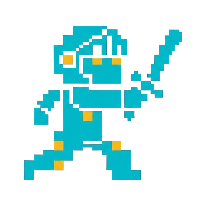
Describe your character, get a game-ready pixel-art sprite sheet in about a minute — no animation skills needed.
Added: 10/22/2026
SpriteGen is a free AI sprite creator that turns a text character description into a game-ready pixel-art sprite sheet in about a minute.
Overview
Overview
SpriteGen is a browser-based AI sprite creator and sprite sheet maker aimed squarely at game developers who need pixel-art character animation but don't have the time, budget, or pixel-art skills to hand-draw it. The workflow is deliberately short: type a description of your character ("a knight swinging a sword"), pick a perspective and a style, and the tool returns a game-ready pixel-art sprite sheet in roughly a minute. Free tries are available with no sign-up, and the interface ships in English, Chinese, Japanese, Korean, Spanish, and French.
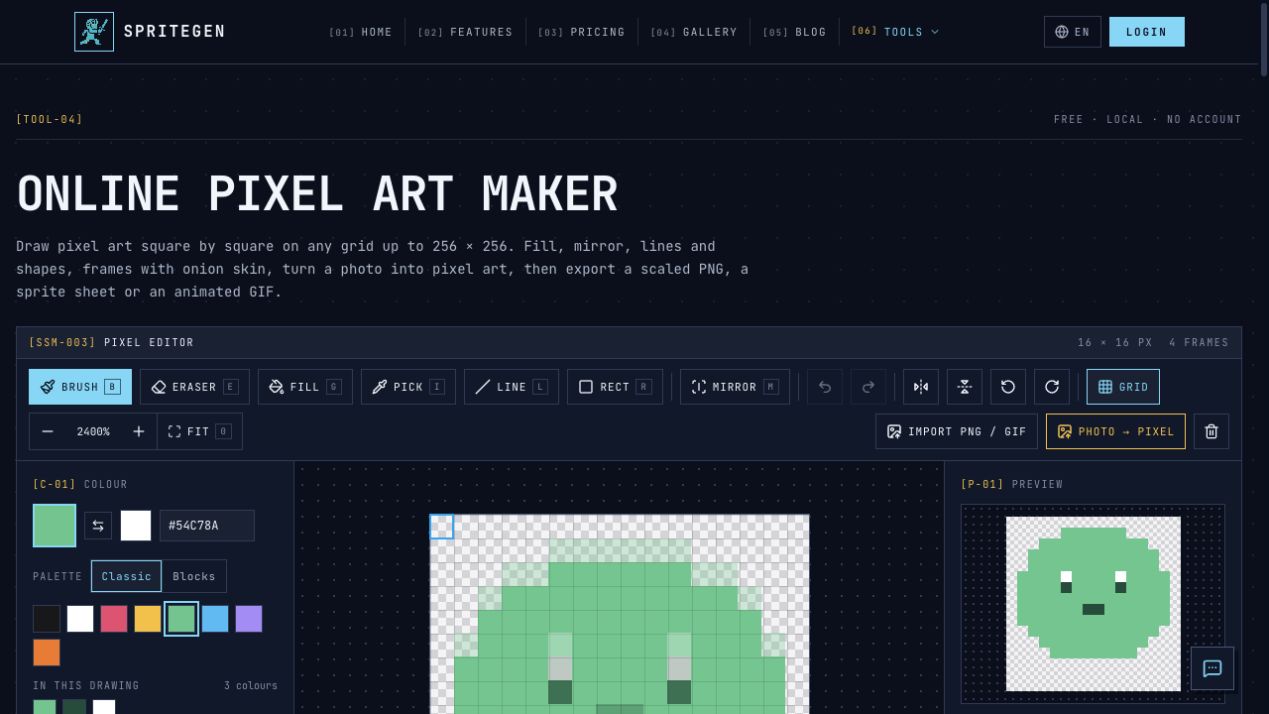
The landing page doubles as a working tool. A live "Sprite Workbench" composer sits next to the hero, complete with a prompt box, preset library, parameter chips, a preview panel with export options, and side panels for Recent Builds and Community Picks. SpriteGen also anchors a small suite of sibling utilities — GIF to Sprite Sheet, Sprite Maker, Pixel Art Maker, and Sprite Sheet Maker — so it can slot into an existing asset pipeline rather than sit beside it.
Key Features
- Prompt-driven generation. Describe the character, outfit, weapon, and action in natural language; the composer reads the prompt, offers an AI-assisted suggestion, and generates the sheet. If the description is too vague it asks you to "Describe a character or an action."
- Four perspective presets. Side view, Top-down, Isometric, and Front (the classic top-tier RPG / Pokémon-style front view) cover the most common 2D game camera setups.
- IMAGE and VIDEO modes. Image mode is the fast path; video mode is explicitly recommended for walk and run cycles, where temporal consistency across frames matters most.
- Format and frame controls. An HD format toggle and a frame-count chip let you trade generation time against resolution and animation smoothness.
- Preset Library. Twelve ready-made characters ship in the box, including Knight Sword, Forest Mage, Farmer Girl, Skeleton Warrior, Pink Slime, Ninja Scout, Royal Guard, Rose Princess, Dragonling, Scout Bot Mk-II, Village Elder, and Pumpkin Ghost — each paired with a perspective label. Click any preset to reuse it as a starting point.
- Reference characters. Attach a reference character pulled from your history or personal library, then clear it with one click, to keep a protagonist visually consistent across multiple sheets.
- Flexible exports. Download PNG, export an Animated GIF, export Frames as a PNG ZIP, or export Atlas + JSON — the atlas-plus-metadata form that engines such as Unity, Godot, and Phaser consume directly. A dedicated "Breathing idle loop" export gives you a subtle idle animation for free.
- Sheet repacking. Before you download, repack the sheet into Main version, Single row, or 4-column grid layouts to match whatever your engine, plugin, or importer expects.
- Build history and community gallery. Recent Builds stores your own generations (login required), while Community Picks surfaces what other creators are producing and lets you click to reuse their prompt as a starting point.
- Rate limiting and abuse protection. Cloudflare Turnstile verification gates generation, and a rate-limit error message keeps heavy automated use in check — a sign the service is protecting a free tier rather than upselling a captive one.
Target Users
- Indie game developers and solo devs building 2D titles who need character animation without commissioning an artist per frame.
- Game jam participants who need a plausible walk, run, or attack cycle within hours, not weeks.
- Rapid prototypers and studios pre-production who need placeholder sprites to test movement, hitboxes, and camera feel before final art exists.
- Non-artist hobbyists and students learning engine workflows who would otherwise be blocked at the asset stage.
- Pixel artists and producers who want a fast first pass, a mood-direction mockup, or a reference sheet to paint over.
- Education and workshop settings where a text-to-sprite demo makes AI-assisted asset creation concrete.
Unique Selling Points
- Stated time-to-asset of about one minute from a text prompt to a downloadable sheet — the entire pitch is compression of the slowest step in 2D game production.
- Engine-ready Atlas + JSON export, not just a pretty PNG. Many text-to-image tools stop at the image; SpriteGen packages the metadata your engine actually needs.
- Repacking flexibility (Main version, Single row, 4-column grid) means one generation can satisfy several different importer formats without regenerating.
- Free tries with no sign-up, plus a working tool embedded directly on the landing page — you can validate the output quality before creating an account.
- Perspective presets rather than free-form prompting, which constrains output to the camera angles 2D games actually use and reduces prompt-fighting.
- A workflow, not just a generator. Presets, reference characters, build history, community reuse, GIF conversion, and four companion tools make it viable as an ongoing pipeline component.
- Zero learning curve. The target audience is explicitly developers with "no animation skills required."
Pros and Cons
Pros
- Extremely short path from idea to usable asset; no drawing, rigging, or keyframing.
- Multiple export formats in one place, including atlas + JSON for real engines.
- Sheet repacking avoids re-generating just to change layout.
- Preset library and reference-character feature solve the "blank prompt" and "character drift" problems respectively.
- Free to try, no sign-up, and no credit card gate on the first generation.
- Available in six languages, useful for international teams.
- Doubles as a set of related tools (GIF to Sprite Sheet, Sprite Maker, Pixel Art Maker, Sprite Sheet Maker), so it can replace several scattered utilities.
Cons
- Output quality tracks prompt quality closely; vague prompts produce inconsistent frames, and rejected prompts must be reworded.
- Frame-to-frame consistency in AI-generated animation is never guaranteed — walk and run cycles should be reviewed for limb and palette drift before shipping.
- Generation is rate-limited and gated behind a human-verification step, which adds friction to bulk or scripted use.
- Saving your own builds and reusing your library requires an account; the free/no-sign-up path is stateless.
- The page does not state asset licensing or commercial-use terms, so developers should confirm those separately before shipping generated sprites.
- Runtime, resolution, and frame-count ceilings are not spelled out on the landing page, so cost and quality expectations have to be discovered by testing.
Top Features
- Text-to-sprite-sheet generation from a plain-language character and action description
- Perspective presets: Side view, Top-down, Isometric, and Front (Pokémon-style)
- IMAGE and VIDEO generation modes, with video mode recommended for walk and run cycles, plus an HD format option and a FR
FAQ
Traffic Analysis
Monthly Visits
--
Avg. Duration
--
Global Rank
--
Bounce Rate
--
Alternatives to SpriteGen

Brat Generator
Free Brat Generator (BratGenerator) - Create custom Brat-style covers! Design text, lyrics & fonts. Best online brat generator inspired by Charli XCX.

String Art Generator
Free online tool to transform images into customizable string art patterns with adjustable pins and lines.

Kirkify
Kirkify Anyone into Charlie Kirk with AI Face Swap

Black Screen
Professional black screen tool for monitor testing, OLED burn-in prevention, and dead pixel detection. 4K downloads, 9 colors, fullscreen - 100% free.

NewbornPhotos
Create a beautiful newborn photoshoot from one baby photo. Upload an everyday picture, choose a portrait style, and use AI to create studio-style newborn portraits online.

Zanta AI
Create AI videos and images in Zanta AI using Veo 3.1, Nano Banana, and GPT Image — text-to-video, image-to-video, and editing in one studio.

UsInYears
Upload a couple's photo to generate four private, AI-imagined future portraits at 10, 20, 30, and 50 years, with a preview before payment.

Bonsivo
Bonsivo analyzes your tree's structure to generate multiple potential styling directions, helping you make informed decisions before pruning.