
Turn your photos into a rap performance video — pick a stage, drop a topic, and generate in your browser.
Added: 11/26/2026
Create short AI rap performance videos from one or two photos, or keep a reference scene's performers — no filming required.
Overview
Overview
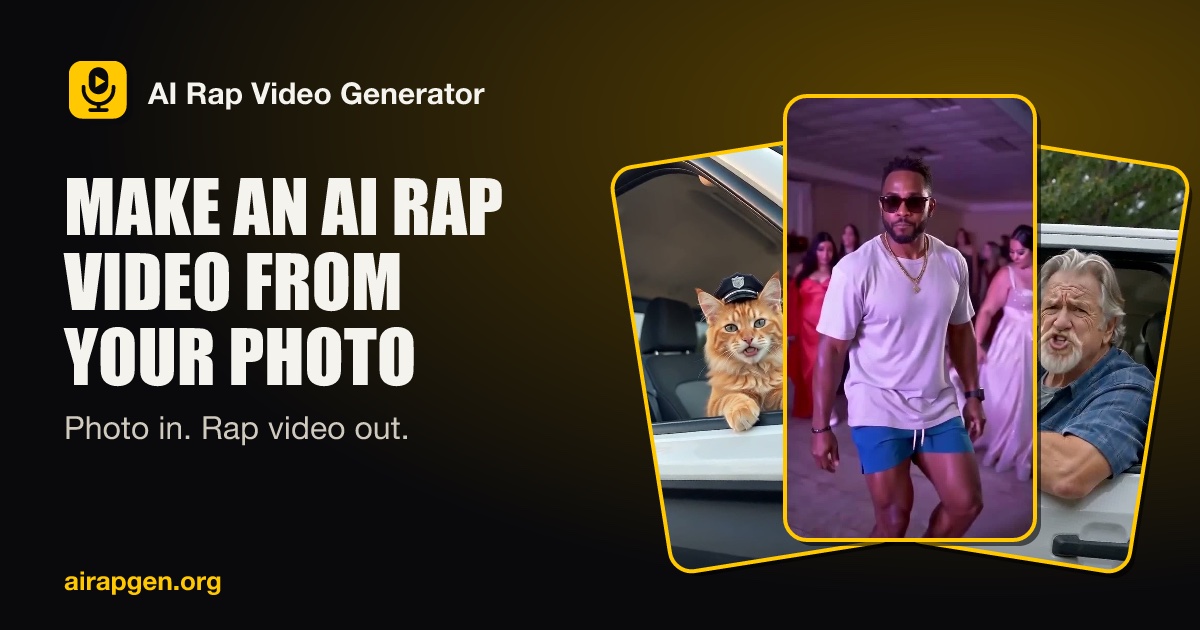
AI Rap Video Generator is a browser-based studio that turns ordinary photos into short, vertical rap performance clips. You upload one or two photos (or none at all), pick a stage such as the Orange Studio, Hotel Hallway, Neon Room, Street Duo or Pet Duo, and let the model place your subjects into a lip-synced, mic-in-hand performance. Each scene ships with its own reference video that supplies the background, camera work, gestures and microphones, so your photo simply replaces the performer. The result is a shareable vertical clip for birthdays, anniversaries, friendly roasts, social posts or even a rap about your business — all created without cameras, studios or editing skills.
Key Features
- Photo-to-rap conversion — Upload one or two photos (JPG, PNG or WebP, up to 10 MB each) and your face replaces the left performer while the reference performer stays on the right.
- Five built-in stages — Orange Studio, Hotel Hallway, Neon Room, Street Duo and Pet Duo, each with its own reference video driving background, camera, gestures and microphones.
- Flexible audio modes — Follow the reference's music, vocal turns and lip timing, or choose a fresh rap with your own topic and performance notes.
- Quick-start topic prompts — One-tap presets for Birthday, Anniversary, Best Friends, Roast and My Business get you to a usable result fast.
- Video settings control — Pick from available Seedance models, plus quality, length and vertical format options before generating.
- Upfront credit pricing — The studio displays the credit cost of a generation before you commit, and credits are charged per video.
- Creation history — Completed clips are stored in your creation history so you can revisit, compare or reuse takes.
- No-photo mode — Skip uploading entirely if you just want to keep the reference performers and explore a scene's native performance.
Target Users
- Social media creators who want scroll-stopping vertical clips without filming themselves or hiring talent.
- Friends and family making birthday greetings, anniversary tributes or affectionate roast videos for group chats.
- Small business owners producing a lighthearted rap about their brand, product or storefront for marketing posts.
- Meme and internet-culture fans who want to drop themselves and a friend into a rap duo scene for laughs.
- Pet owners using the Pet Duo stage to star their dog or cat in a performance clip.
- Curious hobbyists and AI enthusiasts testing what modern video models can do with a single still photo, all inside a browser with no install.
Unique Selling Points
- Scene-first workflow instead of prompt-first. Most AI video tools ask you to write a long prompt and hope for the best. Here you choose a curated reference performance, and the tool handles camera, staging, gestures and microphone props — dramatically lowering the skill floor.
- Purpose-built for the rap format. Track choice, vocal turns, lip timing and the two-performer trade-bars structure are native to the product, not retrofitted onto a generic video generator.
- Genuinely short path to a result. Three steps — add photo, choose stage, create and review — with topic presets that remove the blank-page problem entirely.
- Elastic input. Two photos for a duo, one photo to replace a single performer, or no photo to keep the reference cast — you are never blocked by lacking the right image.
- Cost transparency. The credit cost is shown before generation rather than after, which is unusual in credit-metered AI video tools and makes iteration budgeting predictable.
- Runs entirely in the browser. No desktop app, no GPU, no editing suite; the whole pipeline is one web page.
Pros and Cons
Pros
- Extremely low barrier to entry: three guided steps and optional topic presets instead of prompt engineering.
- Curated stages guarantee a coherent, on-theme performance look, which generic text-to-video tools rarely achieve reliably.
- Vertical 480x854 output is natively formatted for Reels, Shorts, TikTok and Stories.
- Supports one photo, two photos, or no photo, so you can use the tool even with limited source imagery.
- Credit cost is displayed before you generate, making spend predictable.
- Works on any modern browser with no installation, and completed clips are saved to your creation history.
Cons
- Scene choice is limited to the five provided stages; there is no fully custom background or location upload.
- Exact reproduction of the original soundtrack is not guaranteed — the model generates the final audio, so vocals and lyrics may differ from expectations.
- Every regeneration consumes credits, so iterating on a take has an ongoing cost.
- Output length is bounded by the available settings, making it unsuitable for full-length music videos.
- Best results depend on a clear, front-facing, single-person photo with a plain background, which limits stylized or group images.
Top Features
- Turn one or two photos into a lip-synced rap performance video in your browser
- Five built-in stages with reference audio, camera work, gestures and microphones
- Credit cost shown before you generate, with clips saved to your creation history
FAQ
Traffic Analysis
Monthly Visits
--
Avg. Duration
--
Global Rank
--
Bounce Rate
--
Alternatives to AI Rap Video Generator

City Boy Meme
Turn your ideas into viral City Boy memes. Custom text, fonts & colors. Download or share in one click. 100% free, no watermark.

Chess4D
Free 4D, 3D and 5D chess in your browser. No download, no sign-up.

Two Minute Drill
A free daily NFL play-calling game where you manage the clock, call offense and defense, and get graded on decision quality—not just the result.

Throw a Seed Hub
A free fan hub for the Roblox game Throw a Seed, with hand-checked codes, a zone and plant index, and a browser-based luck simulator.

Live Face Swap
Rehearse character expressions and movement on webcam, with a free framing preview and optional credit-based AI generation.

AI Rap Video Generator
Turn two photos into a 12-second lip-synced AI rap duo. Free lyrics edit before you pay. Stages from orange wall to street cypher.

Tiny Desk AI
Create a roughly 19-second, 480p personal AI concert MP4 with sound from one adult portrait. Google sign-in, paid credits, and independent parody.

Ozilai
Create a short AI fan video of the famous Özil goal from one portrait, with no prompt to write.