

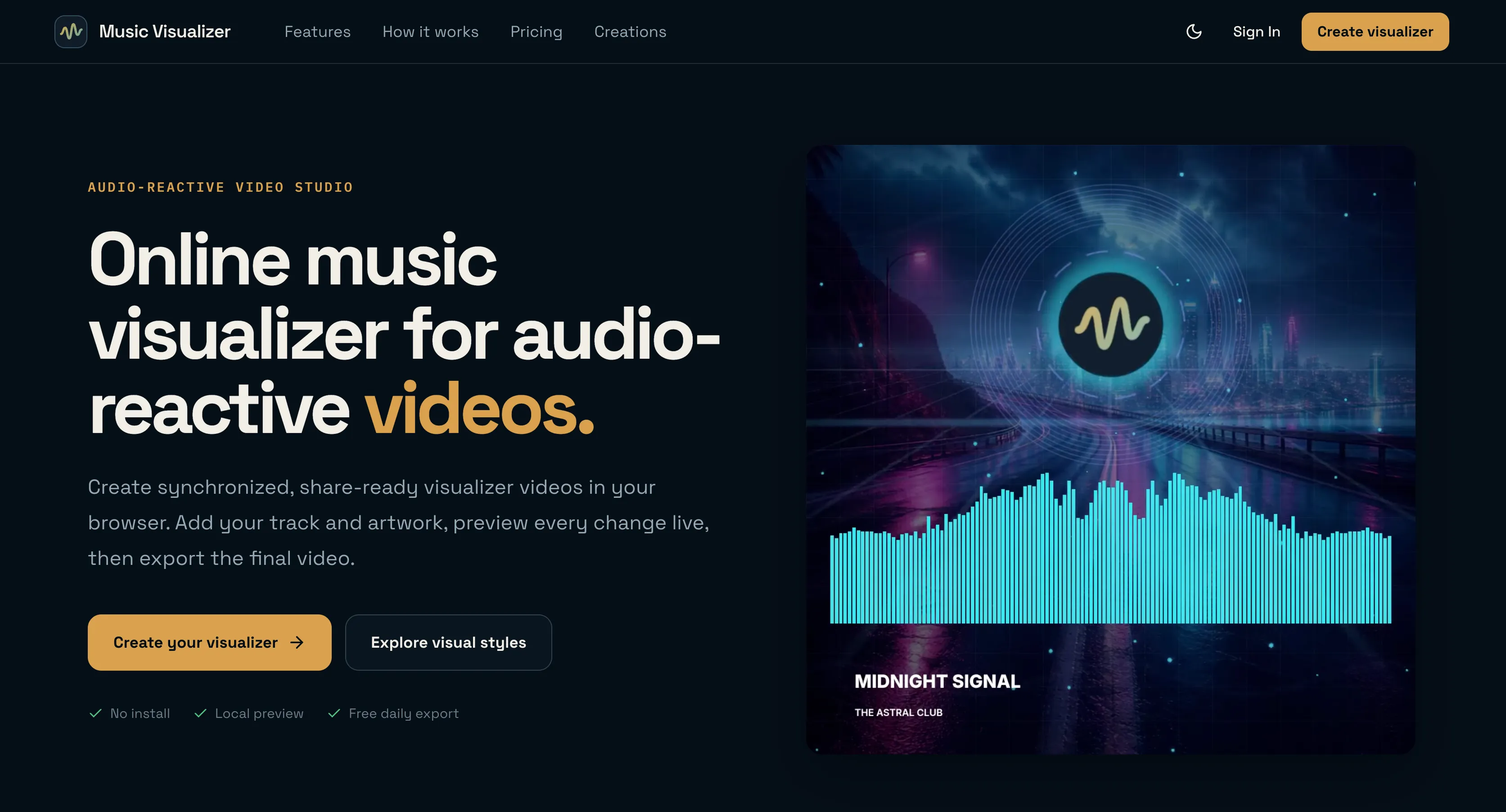
Create audio-reactive music visualizer videos online with 19 presets, live local preview, and cloud-rendered H.264 exports up to 2K.
Overview
Overview
Music Visualizer is a browser-based creative studio that turns any audio track into a synchronized, audio-reactive video without installing software or learning a complicated video editor. You pick one of 19 designed presets, drop in your audio, artwork, logo, and title, then shape text, colors, ratio, and motion intensity while a live preview reacts to the actual mix. Editing happens locally in your browser — your audio and images never leave your device until you hit export — and finished videos are rendered asynchronously in the cloud at up to 2K and 60 FPS H.264. The result is a share-ready visualizer for YouTube, TikTok, Instagram, podcasts, and DJ mixes, available for unlimited downloads for 14 days after rendering.
Key Features
- 19 audio-reactive presets — Each preset starts as a designed visual direction (Industrial, Lo-fi, Euphoric, Atmospheric, and more) that you customize with your own media rather than building motion from scratch.
- Real-time frequency analysis — Bars, rays, pulses, and scanlines respond naturally to individual beats and frequency bands, so the motion always matches the music.
- Three social-ready formats — Compose once in square 1:1, vertical 9:16, or widescreen 16:9, with a preview that adapts instantly and ratio-aware artwork cropping.
- Local-first editing workflow — Audio and images stay in your browser during editing and preview; uploads only begin when you export, keeping projects private while you work.
- Cloud-rendered H.264 video — Exports render asynchronously on the server at 720p, 1080p, or 2K up to 60 FPS, so rendering never ties up your own device.
- Free daily export — Every account gets one free 720p watermarked export per UTC day for tracks under one minute, even without buying credits.
- Full creative control — Customize artwork, logo, title text, color palette, composition, background crop with pan and zoom, and visual intensity.
- 14-day download window — Finished videos remain downloadable for unlimited downloads during their retention period.
Target Users
- Musicians and producers releasing singles, official audio, album visuals, or YouTube premieres who need cover art turned into a moving release video.
- Social media creators cutting Reels, Shorts, TikTok clips, and square posts who need one composition adapted to multiple feeds.
- Podcasters, DJs, and radio show hosts who want a consistent visual identity — artwork, logo, episode text — for spoken-word audio and mixes.
- Indie artists and small teams on a tight budget who want professional-looking visuals without hiring a motion designer or paying for a subscription.
- Beginners who want results quickly and don't know how to use a timeline-based video editor.
Unique Selling Points
- Design-first, not timeline-first — You make the creative choices (artwork, text, color, crop) and the motion is handled for you, removing the steepest part of the video editing learning curve.
- True local preview — Frequency-driven motion is previewed in your browser without uploading your unreleased audio, which matters for artists working on unreleased material.
- No subscription required — One-time credit purchases plus a free daily watermarked export make it accessible for creators who publish occasionally.
- Rendered off-device — Async cloud rendering means long tracks and higher resolutions don't freeze your laptop or phone.
- Format-agnostic output — The same edit adapts to 1:1, 9:16, and 16:9 with ratio-aware cropping, covering nearly every publishing channel from one project.
Pros and Cons
Pros
- No install, no download, no account needed to start creating and previewing.
- Motion is genuinely audio-reactive, driven by real-time frequency analysis rather than canned loops.
- Local editing keeps unreleased audio and artwork private until you choose to export.
- Free daily watermarked export lets you test the full pipeline before spending anything.
- Cloud rendering supports 720p, 1080p, and 2K at up to 60 FPS without stressing your device.
- Three aspect ratios and preview that adapts instantly save time when publishing to multiple platforms.
Cons
- The free tier is limited to one 720p export per day, watermarked, and only for tracks under one minute.
- Maximum resolution currently caps at 2K — 4K exports are only on the roadmap.
- Timed lyrics and subscription plans are also still on the roadmap rather than available today.
- Rendered videos expire after a 14-day download window, so you need to archive your files.
- Preset-based workflow means less granular, keyframe-level control than a full desktop editor.
Top Features
- 19 audio-reactive presets with live local preview in your browser
- Export share-ready 1:1, 9:16, and 16:9 videos up to 2K at 60 FPS
- Free watermarked 720p export every day — no subscription required
FAQ
Traffic Analysis
Monthly Visits
--
Avg. Duration
--
Global Rank
--
Bounce Rate
--
Alternatives to Music Visualizer

Notify Sound
A free library of editable notification sounds — dings, chimes, pops and alerts — that you customize with an AI agent in-browser.

SongHQ
SongHQ is the production OS for custom-song sellers, transforming fulfillment into a 10-minute workflow with client brief, lyrics, cover art, and branded delive

Denoisr
Denoisr is an AI audio cleaner and noise reduction tool that removes background noise, echo, and hum to enhance voice clarity in seconds.

SongLyricsLab
AI lyrics generator for structured song drafts with concrete imagery and fewer cliches.

Clear Accent
Get your Corporate Accent Score™ in 15 seconds. Improve clarity and confidence in U.S. corporate meetings with personalized AI coaching.

Timedora Lecture Recorder
Record lectures in your browser with notes, optional private live transcription on supported devices, and Study Pack saving.

Jev Knows
Free AI that answers your "Should I...?" questions with a clear yes or no

Toolbantu
Fast, simple online tools for images, developers, text, files, security, and everyday digital tasks.