

A free library of editable notification sounds — dings, chimes, pops and alerts — that you customize with an AI agent in-browser.
Overview
Overview
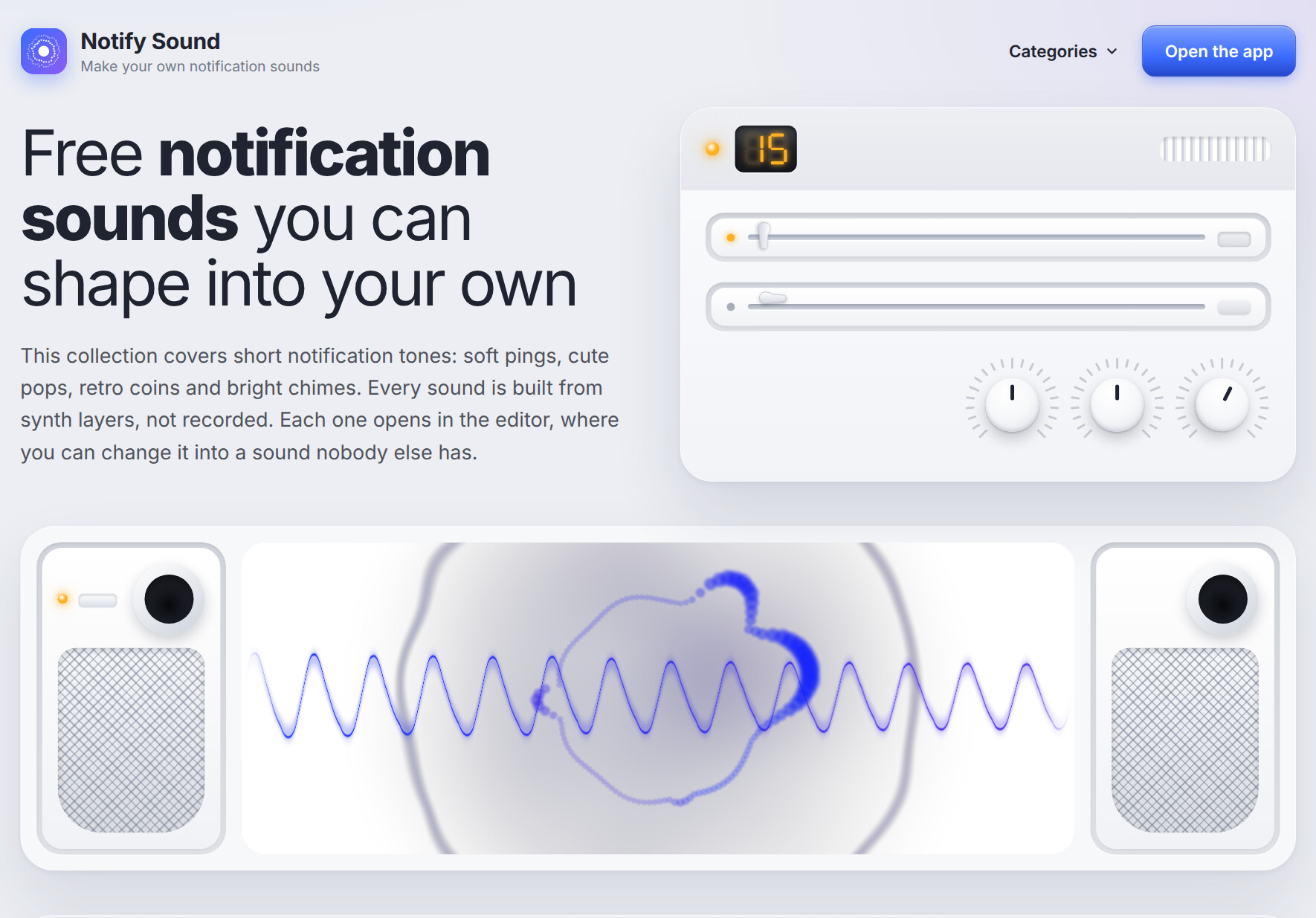
Notify Sound is a free web-based library of short notification tones — soft pings, cute pops, retro coins, bright chimes, doorbells and whooshes — paired with a built-in editor that lets you reshape any sound into something unique. Instead of hunting through opaque stock audio packs or paying for licensing, you browse a curated set of synth-layered tones, preview them instantly, then open any one in the editor and describe the change you want in plain language to an AI agent. The result is a notification sound that matches the exact feeling in your head — and that nobody else has. It solves the surprisingly common problem of finding a short, clean, royalty-free alert tone that fits your app, device or video project.
Key Features
- Curated free sound library — Ready-made tones including Beep, Bell, Blip Up, Bubble Up, Chime, Coin, Ding, Doorbell, Ka-Ching, Marimba, Popcorn, Quick Reply, Soft Ping, Tri-Tone and Whoosh, each with a short description of its character.
- Instant waveform preview — Every sound shows its waveform image and a one-click play button so you can audition tones quickly before committing.
- AI-assisted editing — Describe the sound you want to an AI agent in natural language and iterate together until it matches your intent, rather than fiddling with opaque synth parameters.
- Direct deep-link editing — Each sound has an "Edit" link that opens it pre-loaded in the app, so you go from listening to shaping in a single click.
- Category browsing — Organized taxonomies including 8-bit tunes, Alerts, Arcade, Beep, Bell, Bleep, Boing, Chime, Click, Ding, Glitch, Magic, Nature, Notification sounds, Pop, Sci-fi, Spooky, Text message sounds and Whoosh.
- Synth-layer construction — Sounds are built from synthesized layers, which keeps them lightweight, royalty-free and cleanly editable rather than sampled from copyrighted recordings.
- No install required — Runs entirely in the browser with a dedicated web app, so you can preview and edit on desktop without downloading a DAW or audio plugin.
- Notification-specific design — Tones are intentionally short and designed for alerts, so they won't overstay their welcome on a phone, desktop app, game or video edit.
Target Users
- App and web developers who need short, license-clean alert tones for toasts, push notifications, chat messages, form successes and other UI events.
- Game developers and hobbyist creators looking for retro coins, arcade blips, magic sparkles or sci-fi tones that can be tweaked to match a specific art style.
- Video editors and content creators who need whooshes, dings and chimes for transitions, captions and on-screen notifications in YouTube or short-form video.
- Streamers and power users customizing per-app notification sounds on their phone, desktop or streaming alert setup.
- Musicians and sound tinkerers who want a fast starting point for a UI sound pack without opening a full synthesizer.
- Product designers prototyping audio feedback for a new feature without needing a dedicated sound designer on the team.
Unique Selling Points
- Editability is the core promise — Most free sound sites hand you a fixed MP3. Notify Sound gives you a source you can reshape, so two teams using it won't ship the identical tone.
- Natural-language AI shaping — You don't need to know FM synthesis, envelopes or filter cutoffs. You describe the vibe ("warmer," "shorter," "less harsh") and the AI agent helps you get there.
- Genuinely free positioning — The library is advertised as free notification sounds with no visible paywall gating the core browsing and editing flow.
- Notification-first curation — Every sound is short and alert-shaped rather than being a music loop awkwardly trimmed down, so previews translate cleanly to real notification use.
- Broad stylistic range in one place — From classic Tri-Tone and Doorbell to Spooky, Sci-fi, Nature and 8-bit, one site covers both playful and professional use cases.
- Zero-friction workflow — Browse, preview, click Edit, iterate. No account juggling or format exporting step is pushed at you on the landing page.
Pros and Cons
- Pros
- Free to browse and audition the entire notification sound library with one-click playback.
- Every sound is editable, so you can differentiate your product's audio identity instead of using a stock ding.
- AI agent editing lowers the skill barrier significantly — no synthesizer expertise required.
- Well-organized categories (bell, chime, pop, arcade, sci-fi, spooky, nature and more) make discovery fast.
- Short, purpose-built notification tones mean less trimming and fewer surprises in production.
- Deep links take you straight from a sound card into the editor with that sound preloaded.
- Cons
- The library is focused on short notification tones, so it won't help if you need music beds or longer sound design.
- The AI editing workflow depends on an understanding of how to describe sound in words, which can take a little practice.
- Licensing terms for commercial redistribution aren't spelled out in the page content, so you should confirm usage rights before shipping.
- No native mobile or desktop app is mentioned — the workflow is browser-centric.
- Bottom line — If you need a short, distinctive, royalty-safe notification sound and you'd rather shape it than settle for a stock ding, Notify Sound is a fast, free starting point with an unusually flexible editing story.
Top Features
- Free library of notification tones — dings, chimes, pops, bells, coins and more
- Open any sound in the editor and reshape it into something unique
- Describe the tone you want to an AI agent and iterate until it sounds right
FAQ
Traffic Analysis
Monthly Visits
--
Avg. Duration
--
Global Rank
--
Bounce Rate
--
Alternatives to Notify Sound

Music Visualizer
Create audio-reactive music visualizer videos online with 19 presets, live local preview, and cloud-rendered H.264 exports up to 2K.

SongHQ
SongHQ is the production OS for custom-song sellers, transforming fulfillment into a 10-minute workflow with client brief, lyrics, cover art, and branded delive

Denoisr
Denoisr is an AI audio cleaner and noise reduction tool that removes background noise, echo, and hum to enhance voice clarity in seconds.

SongLyricsLab
AI lyrics generator for structured song drafts with concrete imagery and fewer cliches.

Clear Accent
Get your Corporate Accent Score™ in 15 seconds. Improve clarity and confidence in U.S. corporate meetings with personalized AI coaching.

FloorPlanBot
AI floor plan generator that turns written room briefs into editable 2D house layout concepts with PNG, PDF, and schematic DXF exports.

First 1,000 Users
Free interactive guide map with 25 short playbooks for finding, recruiting, and retaining your first 1,000 users from idea to launch.

Emailyy
Emailyy offers free browser-based email tools for creating signatures, testing subject lines, previewing HTML, counting words, and analyzing headers.