

Effortlessly erase unwanted elements from your videos with AI-powered precision.
Added: 9/3/2026
Remove unwanted people, text, logos, and objects from MP4 or MOV videos online using advanced AI technology. Simply upload, describe, and download.
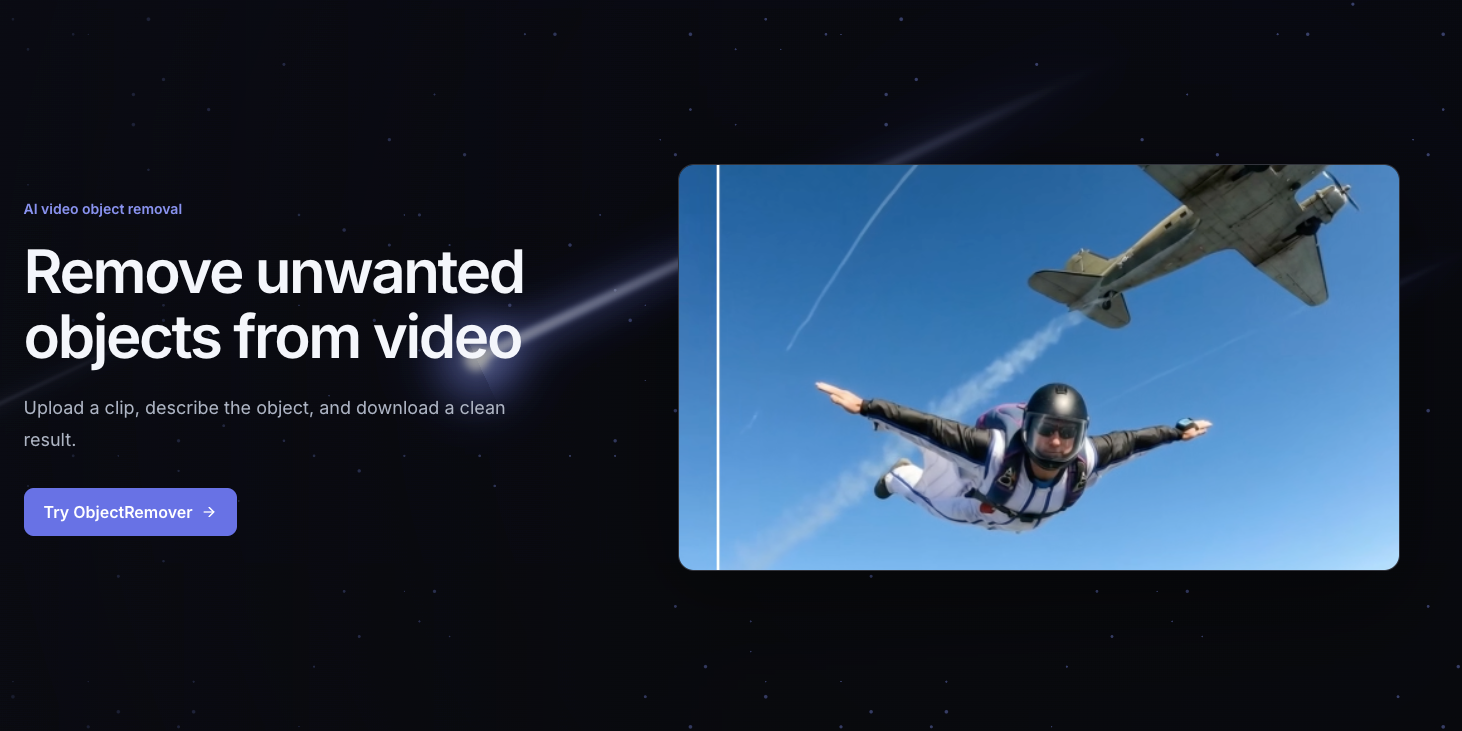
Overview
Overview
AI Video Object Remover is an innovative online tool designed to simplify video editing by leveraging artificial intelligence. It enables users to quickly and efficiently remove any unwanted elements from their video footage, such as people, text, logos, or objects. By automating the often complex process of video inpainting, this tool makes professional-grade video clean-up accessible to everyone, from content creators to casual users looking to perfect their clips.
Key Features
- AI-Powered Object Removal: Utilizes advanced AI algorithms to intelligently detect and erase objects from videos.
- MP4 and MOV Support: Compatible with popular video formats, ensuring broad usability.
- Online Accessibility: Perform edits directly in your browser without the need for software downloads or powerful hardware.
- Simple Workflow: Upload your video, describe the object to remove, and let the AI do the work.
- High-Quality Output: Delivers clean, seamless results that integrate naturally with the existing video content.
- Fast Processing: Quickly processes videos to provide edited results in a timely manner.
Target Users
This tool is ideal for a wide range of users, including social media influencers and content creators who need to quickly clean up their videos for platforms like YouTube, TikTok, or Instagram. Marketing professionals can use it to remove distracting elements from promotional videos or brand logos. Personal users can also benefit by removing photobombers or unwanted items from family vacation videos, making memories perfect.
Unique Selling Points
The AI Video Object Remover stands out due to its user-friendly interface combined with powerful AI capabilities, eliminating the need for complex manual masking or frame-by-frame editing typically required in traditional video editing software. Its ability to handle diverse object types and provide high-quality, natural-looking removals in a fully online environment makes it a highly efficient and accessible solution for video clean-up. The simplicity of describing the target object rather than manually selecting it also offers a significant advantage.
Pros and Cons
Pros:
- Extremely easy to use, even for beginners.
- Saves significant time compared to manual video editing.
- Online access means no software installation required.
- Supports common video formats (MP4, MOV).
- AI technology delivers impressive and seamless results.
Cons:
- May not handle very complex or fast-moving scenes perfectly in all cases.
- Relies on an internet connection for functionality.
- Limits on video length or file size might apply (not specified, but common for online tools).
- Cost implications for frequent or high-volume use are likely.
Top Features
- Remove unwanted elements like people, text, and logos from videos with cutting-edge AI.
- Streamline video editing with an easy online tool, no complex software or skills needed.
- Enhance video quality and focus on the main subject for professional or personal use.
FAQ
Traffic Analysis
Monthly Visits
--
Avg. Duration
--
Global Rank
--
Bounce Rate
--
Alternatives to objectremover
Domer AI
Domer AI is a free AI video generator that converts text or images into high-definition videos quickly, powered by models like Veo, Kling, and Seedance.

Orelon
Create cinematic videos from text or images with Orelon's AI video generator. Explore reusable effects, direct camera motion, and compare leading models.

Unplain
Unplain converts docs and AI drafts (Word, Markdown, plain text, ChatGPT/Claude output) into branded, publish-ready PDFs like ebooks and lead magnets.

TrackMedia
TrackMedia is a social media content distribution engine that cross-posts to 20 networks and tracks clicks in real time.

ReelMind
ReelMind is an AI video generator and community for creating, editing, remixing, and sharing cinematic videos with models, templates, and trends.

Seedance
Create cinematic AI videos with Seedance 2.5 using flexible 4–30s 480p/720p workflows, plus Vidu Q3 Turbo for fixed 5s 720p clips.

PageTranslate.ai
AI-powered translation for PDF, DOCX, EPUB, and images in 50+ languages, with exact pricing before you pay and formatting preserved.

Paper Animation
Create paper-style videos and GIFs from an image or short phrase, customize the animation, preview it, and export in 1080p.