

Effortlessly convert Markdown to PDF, Word, HTML, and back. Preserve LaTeX, Mermaid & GFM.
Added: 7/6/2026
A free online tool to convert between Markdown, PDF, Word, and HTML. Renders LaTeX, Mermaid, and GFM accurately.
Overview
Overview
Markdown Converter Pro is a versatile online tool designed to simplify document creation and management. It facilitates the conversion of Markdown files into professional formats like PDF, Word (.docx), and HTML, as well as the reverse conversion of these documents back into clean Markdown. This ensures a seamless workflow for content creators, developers, and technical writers.
Key Features
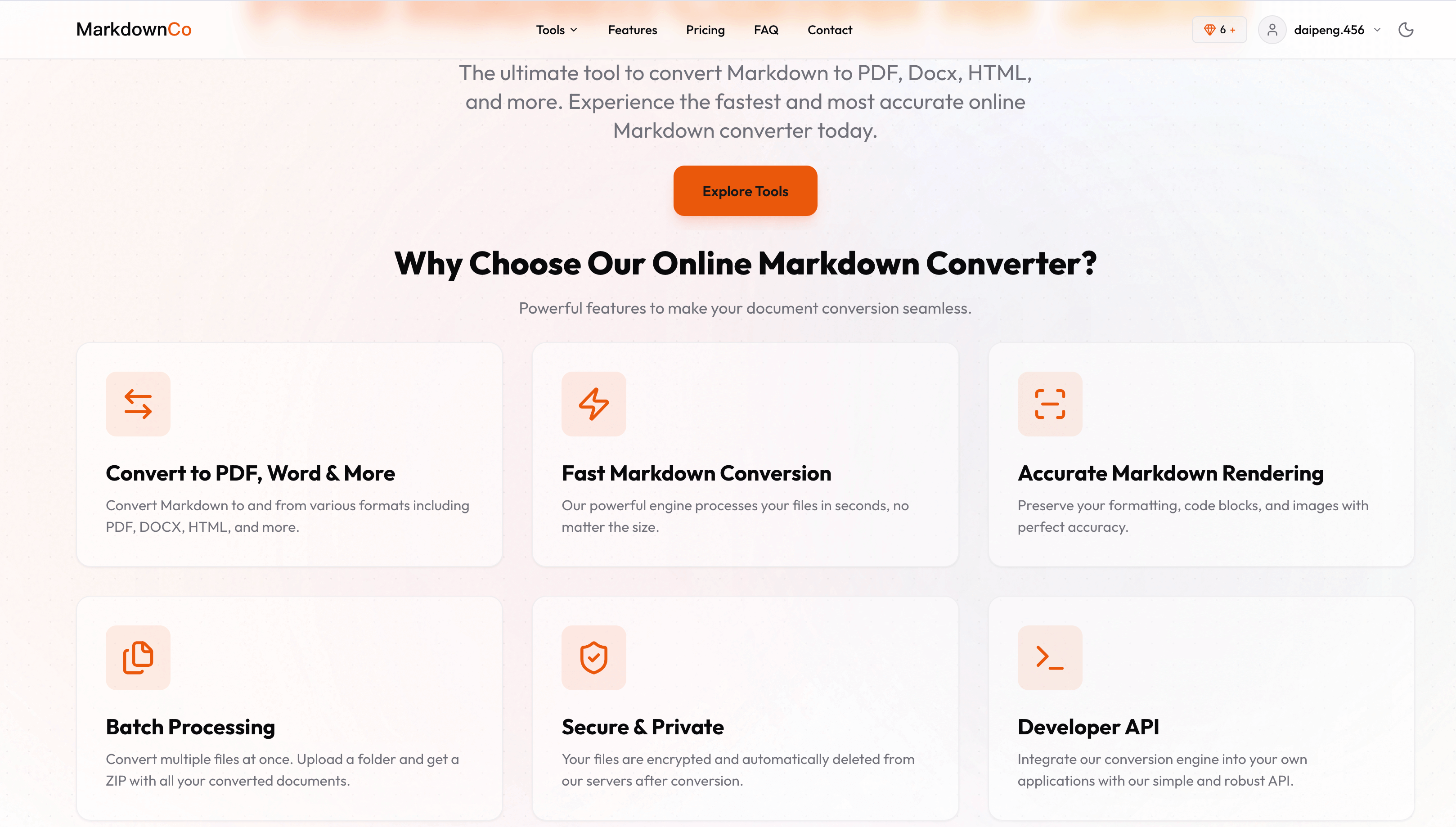
- Bidirectional Conversion: Convert Markdown to PDF, Word, HTML, and vice versa.
- Rich Format Support: Accurately renders LaTeX, Mermaid diagrams, GitHub Flavored Markdown (GFM), and syntax-highlighted code blocks.
- High-Fidelity Output: Preserves original formatting, tables, images, and complex elements across all conversions.
- Speed & Efficiency: Converts files up to 10 MB in just a few seconds per file.
- Batch Processing: Convert multiple Markdown files simultaneously and download as a ZIP archive.
- Secure & Private: Files are uploaded via SSL/TLS, encrypted, and automatically deleted after conversion.
- Developer API: Integrate conversion capabilities into other applications and workflows.
Target Users
This tool is ideal for technical writers creating documentation, bloggers publishing content online, developers managing README files, students preparing reports, and anyone needing to transform documents between different formats. Use cases include generating professional PDFs from Markdown notes, creating editable Word documents from project specifications, publishing web content from Markdown articles, and converting existing documents back to Markdown for version control.
Unique Selling Points
Markdown Converter Pro stands out with its comprehensive bidirectional conversion capabilities, robust rendering of advanced Markdown features like LaTeX and Mermaid, and exceptional conversion speed. The commitment to security with automatic file deletion and the availability of a developer API further differentiate it, offering a complete solution for both individual users and integrated applications.
Pros and Cons
Pros:
- Supports a wide range of advanced Markdown elements.
- Fast conversion speeds for single and batch files.
- Secure file handling with automatic deletion.
- Offers a developer API for programmatic use.
- Free to use with a generous signup bonus for conversions.
Cons:
- Limited file size for free conversions may restrict very large documents.
- Advanced customization options for output formats might be limited compared to desktop software.
Top Features
- Supports Markdown to PDF, Word, HTML, and back. Preserves LaTeX, Mermaid & GFM accurately.
- Fast batch conversion for multiple files, ideal for large documentation projects.
- Secure, private, and automatic file deletion after conversion, with a developer API.
FAQ
Traffic Analysis
Monthly Visits
--
Avg. Duration
--
Global Rank
--
Bounce Rate
--
Alternatives to MarkdownCo

JoMatter
A free browser-based toolbox for formatting, minifying, validating, analyzing, generating, and testing HTML, CSS, and JavaScript code.

FloorPlanBot
AI floor plan generator that turns written room briefs into editable 2D house layout concepts with PNG, PDF, and schematic DXF exports.

First 1,000 Users
Free interactive guide map with 25 short playbooks for finding, recruiting, and retaining your first 1,000 users from idea to launch.

Emailyy
Emailyy offers free browser-based email tools for creating signatures, testing subject lines, previewing HTML, counting words, and analyzing headers.

EnjoySEOs
EnjoySEOs is a free, no-signup online toolkit of 10 SEO utilities for SERP previews, schema, sitemaps, redirects, hreflang and meta tags.

bunny.directory
A free startup launch directory where you keep a permanent product page, earn carrots, climb daily rankings, and get a dofollow link while displaying the badge.

Speejax
SpeeJax offers free browser-based tools to minify HTML, CSS and JavaScript, compress images, optimize SVGs and convert formats for faster websites.

TrackMedia
TrackMedia is a social media content distribution engine that cross-posts to 20 networks and tracks clicks in real time.