

Added: 4/21/2026
Free online converter to transform HEIC images to PNG format, ensuring privacy and high quality conversions directly in your browser.
Overview
Introduction
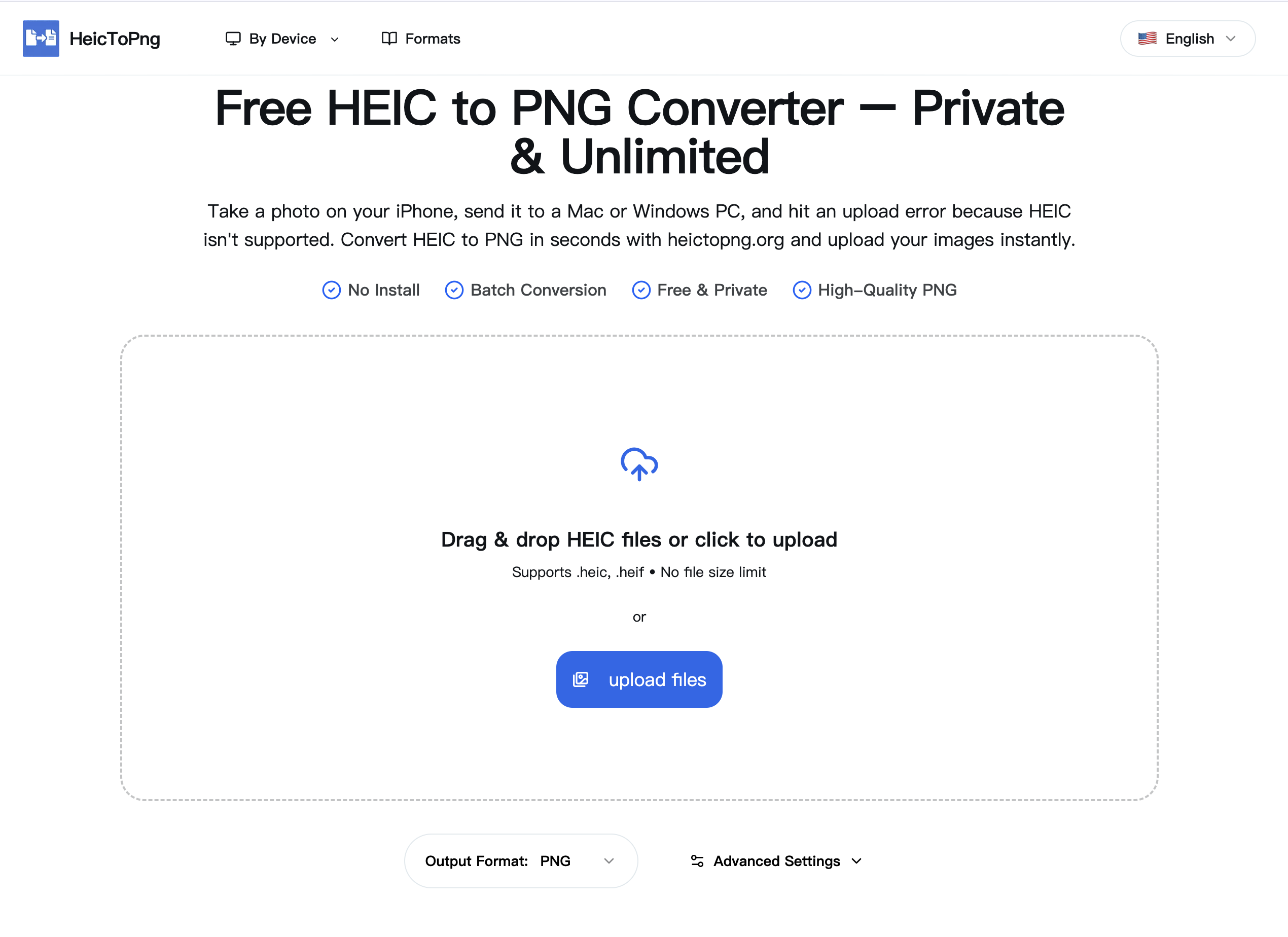
HeicToPng.org is a web-based tool designed to convert HEIC (High Efficiency Image Container) images, the default image format used by Apple devices, into the more universally compatible PNG (Portable Network Graphics) format. The tool addresses the common problem of HEIC files not being supported by many operating systems, devices, and applications outside of the Apple ecosystem. By offering a free, private, and efficient conversion process, HeicToPng.org ensures that users can easily share and use their iPhone photos on any platform without compatibility issues.
The platform distinguishes itself by performing all conversions client-side, meaning the image processing happens within the user's browser and no data is uploaded to external servers. This approach guarantees user privacy and data security, which is particularly important when dealing with personal photos. Furthermore, the service supports batch conversions, allowing users to convert multiple files simultaneously, greatly enhancing efficiency. HeicToPng.org aims to be a reliable solution for anyone needing to convert their HEIC images to PNG, providing a seamless and user-friendly experience while maintaining the original image quality.
Key Features
- Client-Side Conversion: All conversions are processed directly in the user's web browser, eliminating the need to upload files to a server. This ensures complete privacy and security of your images.
- Batch Conversion Support: Users can convert up to 100 HEIC files at once, making it easy to process large photo collections quickly and efficiently. The tool supports files up to 50MB each.
- Free and Unlimited Use: The tool is completely free to use without any daily limits, paywalls, or the need to sign up for an account. Users can convert as many files as they need.
- High-Quality PNG Output: The tool preserves the original resolution, color depth, and transparency of the HEIC images during conversion, resulting in high-quality PNG files suitable for editing, printing, or web use.
- Instant Conversion: By eliminating server-side processing, the conversion starts immediately after files are dropped into the converter box, providing a fast and responsive user experience.
- Cross-Platform Compatibility: The web-based tool works on any operating system (Windows, Mac, Android) and in any modern web browser (Chrome, Safari, Edge), providing universal accessibility.
- Drag-and-Drop Interface: A user-friendly drag-and-drop interface simplifies the process of uploading HEIC files for conversion, making it easy for users of all technical levels.
- ZIP File Download: After conversion, the tool provides a convenient ZIP file containing all the converted PNG images, allowing users to download their files in one go.
Target Users
HeicToPng.org is primarily targeted at:
- iPhone users: Individuals who frequently take photos with their iPhones and need to share them with users on other platforms, such as Windows or Android, where HEIC support is limited.
- Web developers and designers: Professionals who require universally compatible image formats for web projects and need to convert HEIC images to PNG for optimal display across different browsers and devices.
- Graphic designers and editors: Individuals who need to work with HEIC images in software that does not natively support the format and require a simple way to convert them to a compatible PNG format for editing.
- Casual users: Anyone who wants a quick, easy, and secure way to convert HEIC images to PNG without the need for complicated software or privacy concerns.
Unique Selling Points
- Privacy-Focused: Unlike many online converters that upload files to servers, HeicToPng.org processes everything locally in the browser. This provides unmatched privacy and ensures user data never leaves their device.
- Batch Processing at Scale: Ability to convert up to 100 files simultaneously, handling large files efficiently, making it a time-saving solution for users with many HEIC images.
- Completely Free and Unlimited Access: Offering a truly free HEIC to PNG conversion service without restrictions, sign-ups, or hidden costs.
- Instant and Fast Conversions: Provides instant file conversion due to client-side operation which saves time by eliminating the need to upload large files to a server.
Pros and Cons
Pros:
- Privacy: Client-side processing ensures that user data remains private and secure.
- Efficiency: Batch conversion and instant processing save users time and effort.
- Accessibility: Works on any device with a modern web browser, providing universal accessibility.
- Cost-Effective: Completely free to use without any limitations or hidden costs.
- High-Quality Output: Preserves the original resolution, color depth, and transparency of the HEIC images during conversion.
Cons:
- Browser Dependency: Requires a modern web browser to function correctly.
- File Size Limitation: Maximum file size of 50MB per image may be restrictive for some users.
FAQ
- Is HeicToPng.org really free and unlimited?
Yes! Unlike other converters that may impose daily limits or require payment for advanced features, HeicToPng.org is completely free to use. You can convert as many HEIC files as you need without any restrictions. The tool is supported by non-intrusive advertising, ensuring a sustainable service that remains free for everyone. - How does HeicToPng.org ensure my privacy?
The privacy of your photos is a top priority. HeicToPng.org is designed to process all conversions locally within your web browser. This means that your HEIC files are never uploaded to a server, and no data leaves your computer during the conversion process. This client-side processing ensures that your sensitive information remains secure and private. - What file formats does HeicToPng.org support?
HeicToPng.org supports converting HEIC (.heic) and HEIF (.heif) image files to the PNG (.png) format. These are the primary image formats used by Apple devices, and the tool is specifically designed to handle conversions from these formats to the more universally compatible PNG format. - Is there a limit to the number of files I can convert at once?
Yes, HeicToPng.org supports batch conversion of up to 100 files at a time. This feature allows you to quickly and efficiently convert large photo collections without the need for manual, file-by-file processing. Each file can be up to 50MB in size. - What happens to my images after conversion?
Since all conversions are processed locally in your browser, HeicToPng.org does not store or retain any of your image data after the conversion is complete. Once you download the converted PNG files, they are stored only on your local device. The tool does not keep copies of your images or any associated metadata on its servers.
Top Features
- Ensures complete privacy with client-side image conversion, your photos never leave your computer.
- Batch convert up to 100 HEIC files to PNG simultaneously, saving time and effort.
- Enjoy completely free and unlimited HEIC to PNG conversions without restrictions or fees.
Traffic Analysis
Monthly Visits
--
Avg. Duration
--
Global Rank
--
Bounce Rate
--
Alternatives to HeicToPng

Ecommerce Data API
面向 Amazon 商品、关键词、市场、销量、评论、流量和商标研究的电商数据 API,支持开发者构建选品研究与自动化工作流。

SightRadar
Production-grade face recognition API to index, search, compare and detect faces — drop-in compatible with AWS Rekognition.
VibeCodingList
A community directory for vibe-coded apps where builders get feedback, visibility, and connections to grow their projects.

100mini
Instant HTML hosting with no signup: paste AI-generated code or Claude artifacts, upload .html/.zip, and get a shareable live link in 30 seconds.

AUTOMATER.ai
Free desktop app that unifies every AI coding session into one searchable library, flags when an agent needs you, and meters usage across providers.

EnjoySEOs
EnjoySEOs is a free, no-signup online toolkit of 10 SEO utilities for SERP previews, schema, sitemaps, redirects, hreflang and meta tags.

Speejax
SpeeJax offers free browser-based tools to minify HTML, CSS and JavaScript, compress images, optimize SVGs and convert formats for faster websites.

JoMatter
A free browser-based toolbox for formatting, minifying, validating, analyzing, generating, and testing HTML, CSS, and JavaScript code.