

The AI Remover That Just Works: Flawlessly remove backgrounds, subtitles, watermarks, and objects from videos and images
Added: 9/10/2026
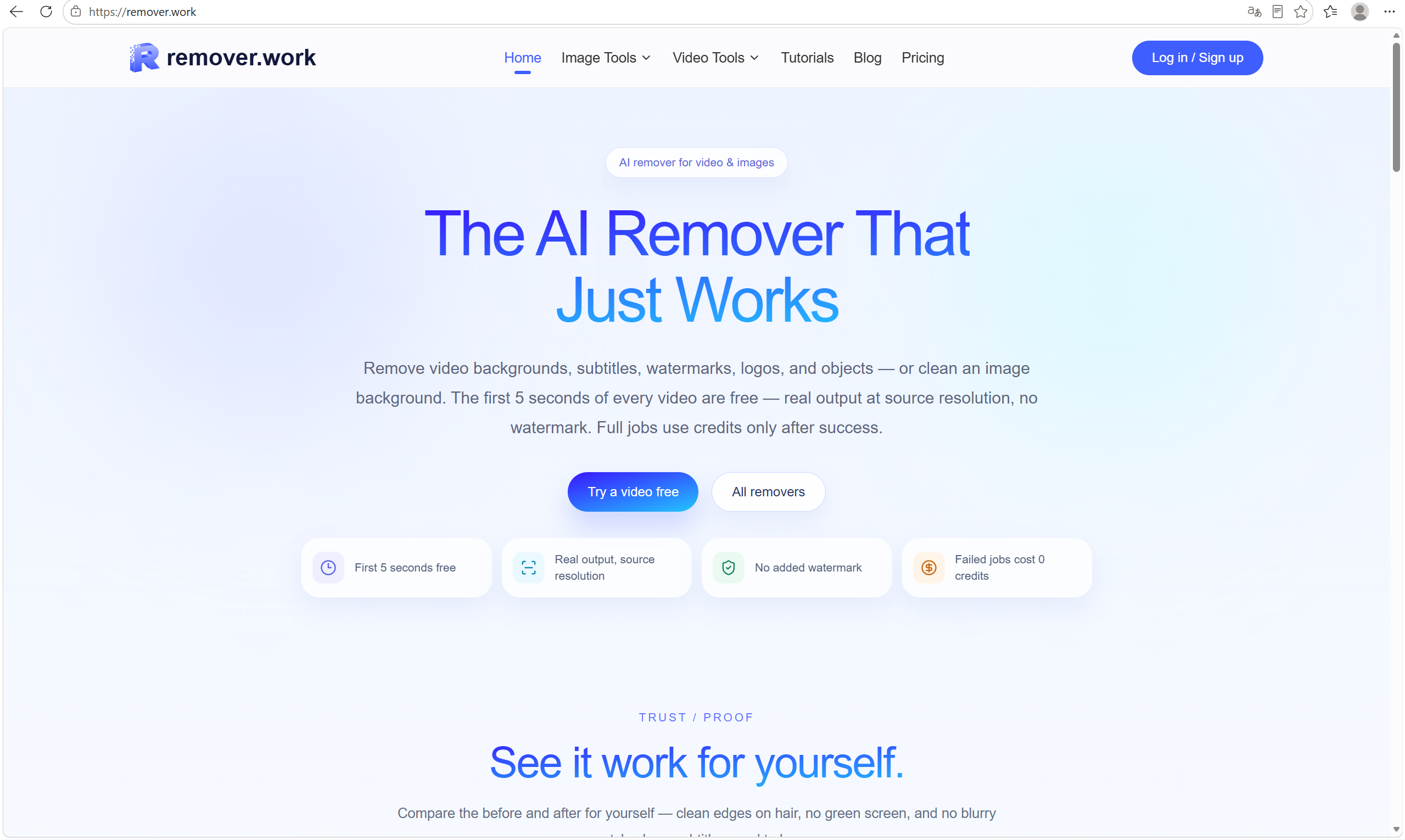
remover.work offers AI-powered tools to seamlessly remove unwanted elements like backgrounds, subtitles, watermarks, and objects from videos and images.
Overview
Overview
remover.work is an advanced AI platform designed to simplify the removal of unwanted elements from both video and image content. It leverages artificial intelligence to meticulously erase backgrounds, hardcoded subtitles, watermarks, logos, and specific objects, delivering clean and professional results. The platform prioritizes quality, offering source resolution output without any additional watermarks.
Key Features
- Video Background Removal: Remove backgrounds from videos without needing a green screen, maintaining subject integrity.
- Image Background Removal: Precisely cut out subjects from images, preserving fine details like hair.
- Video Subtitle Removal: Erase hardcoded subtitles from videos, rebuilding the underlying frame to appear untouched.
- Video Watermark Removal: Remove various watermarks (e.g., Google Veo, TikTok, CapCut) from videos while keeping the frame clean.
- Object Removal (Video): Remove specific objects from videos, including logos, or any element using a prompt.
- Free Trial for Videos: Process the first 5 seconds of any video for free, at source resolution, with no watermark.
- Credit-Based System: Only use credits for successful jobs, ensuring cost-effectiveness.
Target Users
remover.work is ideal for video editors, content creators, marketers, social media managers, graphic designers, and anyone needing to clean up visual media. Use cases include preparing product videos for e-commerce, creating clean visual content for social media, repurposing existing footage, or enhancing personal photos and videos.
Unique Selling Points
What sets remover.work apart is its commitment to quality and user-centric policies. It offers real output at source resolution for its free video trials, a feature many competitors restrict. The platform explicitly states no added watermarks to processed content, ensuring professional results. Furthermore, its credit system is designed to be fair, with no charges for failed jobs, which significantly reduces risk and cost for users experimenting with the tool or encountering complex media.
Pros and Cons
Pros:
- High-Quality Output: Delivers clean results with preserved details (e.g., hair edges, rebuilt frames after subtitle removal).
- Versatile Toolset: Offers a wide range of removal options for both images and videos (backgrounds, objects, text, watermarks).
- Generous Free Trial: Provides 5 seconds of free video processing at full quality, allowing users to test effectively.
- Fair Pricing Model: Credits are only consumed for successful processing, reducing wasted expenditure.
- No Added Watermarks: Ensures the output is ready for professional use without branding.
Cons:
- Credit Dependency: Full video processing requires credit purchases, which might be a barrier for very infrequent users.
- Learning Curve for Specific Tools: While intuitive, advanced object removal by prompt might require some practice for optimal results.
- No Offline Functionality: As a web-based tool, an internet connection is always required for processing.
Top Features
- First 5 seconds of any video processed for free, at source resolution, with no watermark.
- Advanced AI ensures clean edges, rebuilt frames, and seamless removal of backgrounds, subtitles, watermarks, and objects
- Only pay for successful jobs; failed removals cost 0 credits, offering a risk-free experience.
FAQ
Traffic Analysis
Monthly Visits
--
Avg. Duration
--
Global Rank
--
Bounce Rate
--
Alternatives to remover.work

ogimagegenerator.dev
Paste a URL and AI reads your page, picks up your brand colours, fonts and logo, then designs editable OG images you can export or host.

Unplain
Unplain converts docs and AI drafts (Word, Markdown, plain text, ChatGPT/Claude output) into branded, publish-ready PDFs like ebooks and lead magnets.

FileOnTap HEIC to PNG Converter
Free browser-local HEIC/HEIF to PNG converter: batch up to 10 photos, no upload, no signup, no watermark, download PNGs or a ZIP.

ExplainViz
ExplainViz is an AI scientific figure maker that turns research findings, variables, theories, and abstracts into editable, publication-ready diagrams and posts

Notify Sound
A free library of editable notification sounds — dings, chimes, pops and alerts — that you customize with an AI agent in-browser.

FloorPlanBot
AI floor plan generator that turns written room briefs into editable 2D house layout concepts with PNG, PDF, and schematic DXF exports.

ToolSift
Discover verified, curated tools for developers and creators across AI, SEO, design, marketing, and other build-and-ship categories.

BabyShower AI Planner
Snap a photo of your room to get AI-generated baby shower themes tailored to your space, lighting, and budget, with free previews.