

Effortlessly resize and fit your photos for Instagram posts, Stories, and more.
Added: 6/14/2026
Free online tool to resize and perfect your photos for Instagram, keeping the full image in frame.
Overview
Overview
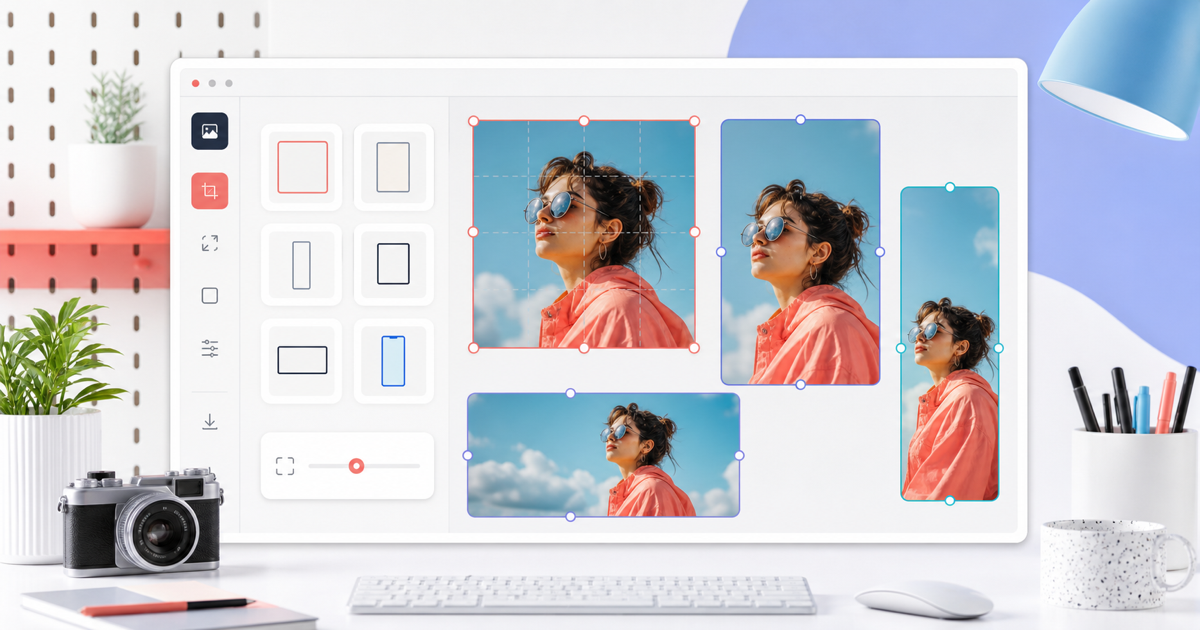
This tool is a free online image resizer specifically designed for Instagram. It allows users to resize and perfectly fit their photos for various Instagram formats, including posts, Stories, portraits, and landscapes, directly within their web browser. It solves the common problem of Instagram cropping photos by offering intuitive ways to ensure the entire image is visible without losing quality.
Key Features
- Instagram Format Presets: Easily select presets for Square posts (1:1), Portrait posts (4:5), Landscape posts (1.91:1), Stories (9:16), Reels (9:16), and Profile pictures (1:1).
- Resize Modes: Choose between 'Fit' (keeps the whole image, adds background), 'Fill' (crops to fill the frame), and 'Stretch' (distorts image to fill the frame).
- Background Customization: Select a 'Color' fill or 'Blur' background for 'Fit' mode, with an option to choose your preferred color.
- No-Crop Functionality: The 'Fit' mode ensures your full image is displayed, preventing unwanted cropping.
- Batch Processing: Resize multiple images simultaneously, with web workers keeping the page responsive.
- Local Processing: All image processing happens in your browser; files are never uploaded to a server, ensuring privacy and speed.
- High-Quality Exports: Generates crisp PNG output with clear previews.
- User-Friendly Interface: Simple controls for format, resize mode, and background, making it easy for anyone to use.
Target Users
This tool is ideal for social media managers, content creators, influencers, small business owners, and casual Instagram users who want to ensure their photos look perfect on the platform without manual editing or complex software. It's useful for anyone needing to resize photos for Instagram posts, stories, or profile pictures while maintaining the integrity of the original image.
Unique Selling Points
The primary unique selling point is the free, browser-based, no-upload processing for Instagram image resizing. It specifically focuses on the 'no-crop' requirement, offering a 'Fit' mode with customizable backgrounds, which is a crucial feature for users who want to display their entire photo. The intuitive interface, combined with a good range of Instagram-specific presets and resize options, makes it highly accessible and efficient compared to more complex or server-dependent tools.
Pros and Cons
Pros:
- Completely free and accessible online.
- Processes images locally in the browser, enhancing privacy and speed.
- Offers precise control with 'Fit', 'Fill', and 'Stretch' resize modes.
- Includes a variety of Instagram-specific format presets.
- User-friendly interface requires no technical expertise.
- Supports batch image resizing.
Cons:
- Limited to PNG output format.
- May not offer advanced editing features found in professional software.
Top Features
- Resize any photo for Instagram in your browser, no uploads needed.
- Fit your entire image perfectly for posts, stories, and reels without cropping.
- Free, fast, and easy-to-use tool with multiple Instagram format presets.
FAQ
Traffic Analysis
Monthly Visits
--
Avg. Duration
--
Global Rank
--
Bounce Rate
--
Alternatives to Resize Image For

ogimagegenerator.dev
Paste a URL and AI reads your page, picks up your brand colours, fonts and logo, then designs editable OG images you can export or host.

Unplain
Unplain converts docs and AI drafts (Word, Markdown, plain text, ChatGPT/Claude output) into branded, publish-ready PDFs like ebooks and lead magnets.

FileOnTap HEIC to PNG Converter
Free browser-local HEIC/HEIF to PNG converter: batch up to 10 photos, no upload, no signup, no watermark, download PNGs or a ZIP.

ExplainViz
ExplainViz is an AI scientific figure maker that turns research findings, variables, theories, and abstracts into editable, publication-ready diagrams and posts

Notify Sound
A free library of editable notification sounds — dings, chimes, pops and alerts — that you customize with an AI agent in-browser.

FloorPlanBot
AI floor plan generator that turns written room briefs into editable 2D house layout concepts with PNG, PDF, and schematic DXF exports.

ToolSift
Discover verified, curated tools for developers and creators across AI, SEO, design, marketing, and other build-and-ship categories.

BabyShower AI Planner
Snap a photo of your room to get AI-generated baby shower themes tailored to your space, lighting, and budget, with free previews.