

Added: 2/21/2026
Convert JPG to Excel online fast and free with our image to table tool. Extract data from images easily. No login needed.
Overview
JPG to Excel: Free Image to Table Tool
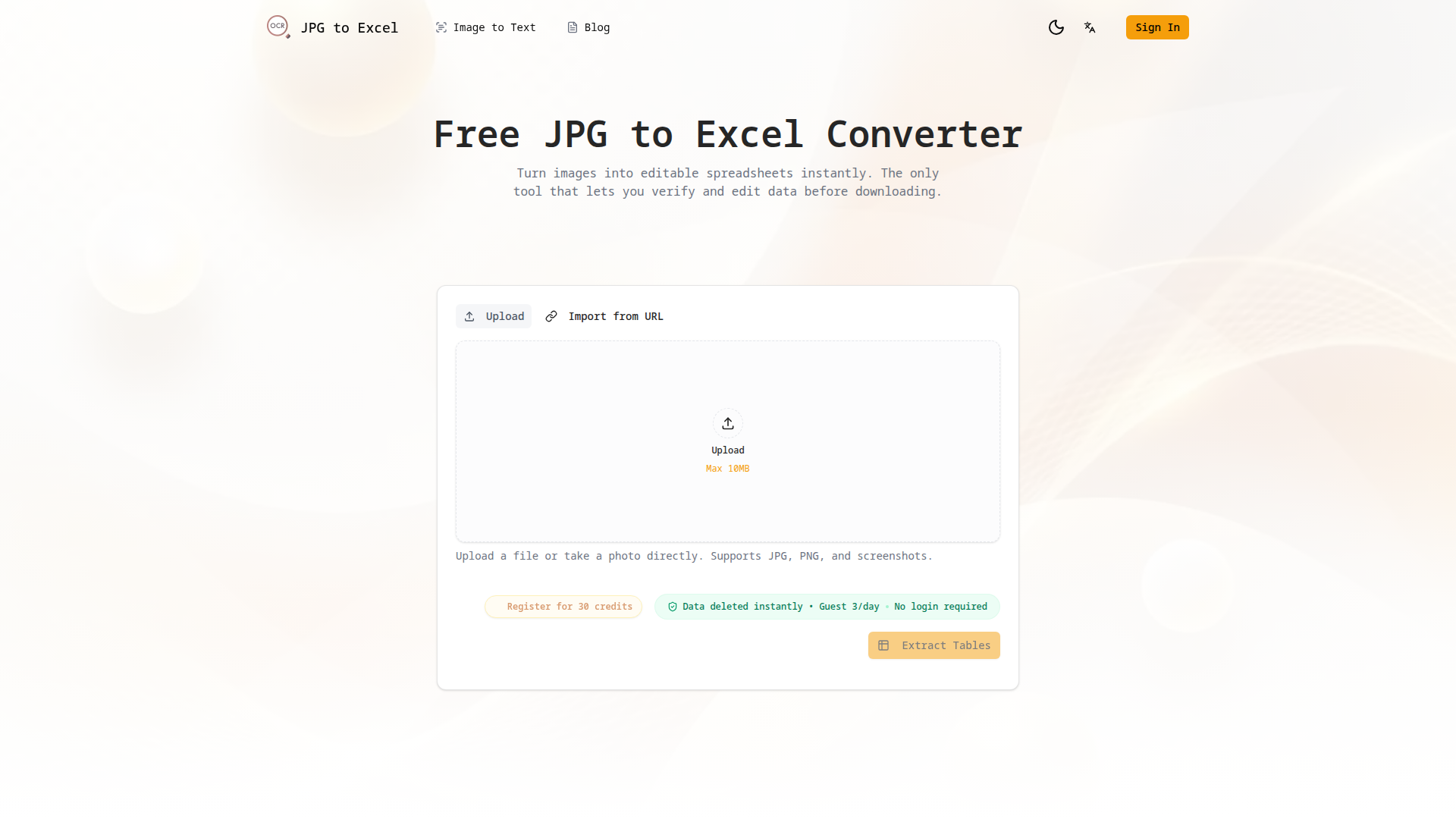
JPG to Excel is a free online tool designed to convert images containing tables into editable Excel or CSV spreadsheets without requiring any login. It utilizes AI-powered OCR to accurately extract data, allowing users to visually verify and correct any errors before downloading. This tool supports various image formats, including JPG, PNG, and HEIC, and is optimized for both mobile and desktop use, ensuring a seamless experience for digitizing documents, financial statements, and other tabular data. The platform emphasizes privacy, deleting all uploaded images and extracted data immediately after processing. It also handles complex table layouts with merged cells and supports multiple tables within a single image, streamlining data extraction for professionals, students, and anyone needing to convert image-based data into an editable format.
⭐ Top Features
✔️ Visual Verification
Compare image and data side-by-side to catch errors instantly, ensuring accuracy by allowing users to correct typos, adjust numbers, and modify the table structure before downloading the extracted data.
✨ Multi-table Support
Extract multiple tables from one image, handling merged cells and complex layouts effectively, which makes it ideal when dealing with financial reports, inventory lists, and academic papers containing multiple tables.
🔒 Privacy Focused
Assuring users that all uploaded images and extracted data are automatically deleted from their servers immediately after processing, promoting data security and adhering to strict privacy standards, which is good for sensitive information.
Traffic Analysis
Monthly Visits
--
Avg. Duration
--
Global Rank
--
Bounce Rate
--
Alternatives to JPG to Excel

PageTranslate.ai
AI-powered translation for PDF, DOCX, EPUB, and images in 50+ languages, with exact pricing before you pay and formatting preserved.

Transpic
Free AI image translator that converts text inside photos, screenshots, manga and documents into 60+ languages while preserving the original layout.

Photo to Excel
Photo to Excel is an online converter that transforms table photos and screenshots into editable .xlsx files, merging multiple images and removing duplicates.
MarkFlow
Free online converter transforms Markdown (.md) to Word (.docx) instantly, preserving complex elements like LaTeX and Mermaid diagrams.

MarkdownCo
A free online tool to convert between Markdown, PDF, Word, and HTML. Renders LaTeX, Mermaid, and GFM accurately.

Messy2Sheet
Messy2Sheet converts messy documents like PDFs, scans, and spreadsheets into usable Excel or CSV files by letting users define the desired table structure.

JPG to Excel Converter
Convert JPG images to editable Excel spreadsheets with AI-powered accuracy, online verification, and easy editing.
TextToPDF.net
A focused AI-powered document tool to convert text to PDF, extract content from documents, and digitize scanned files with high-accuracy OCR.